
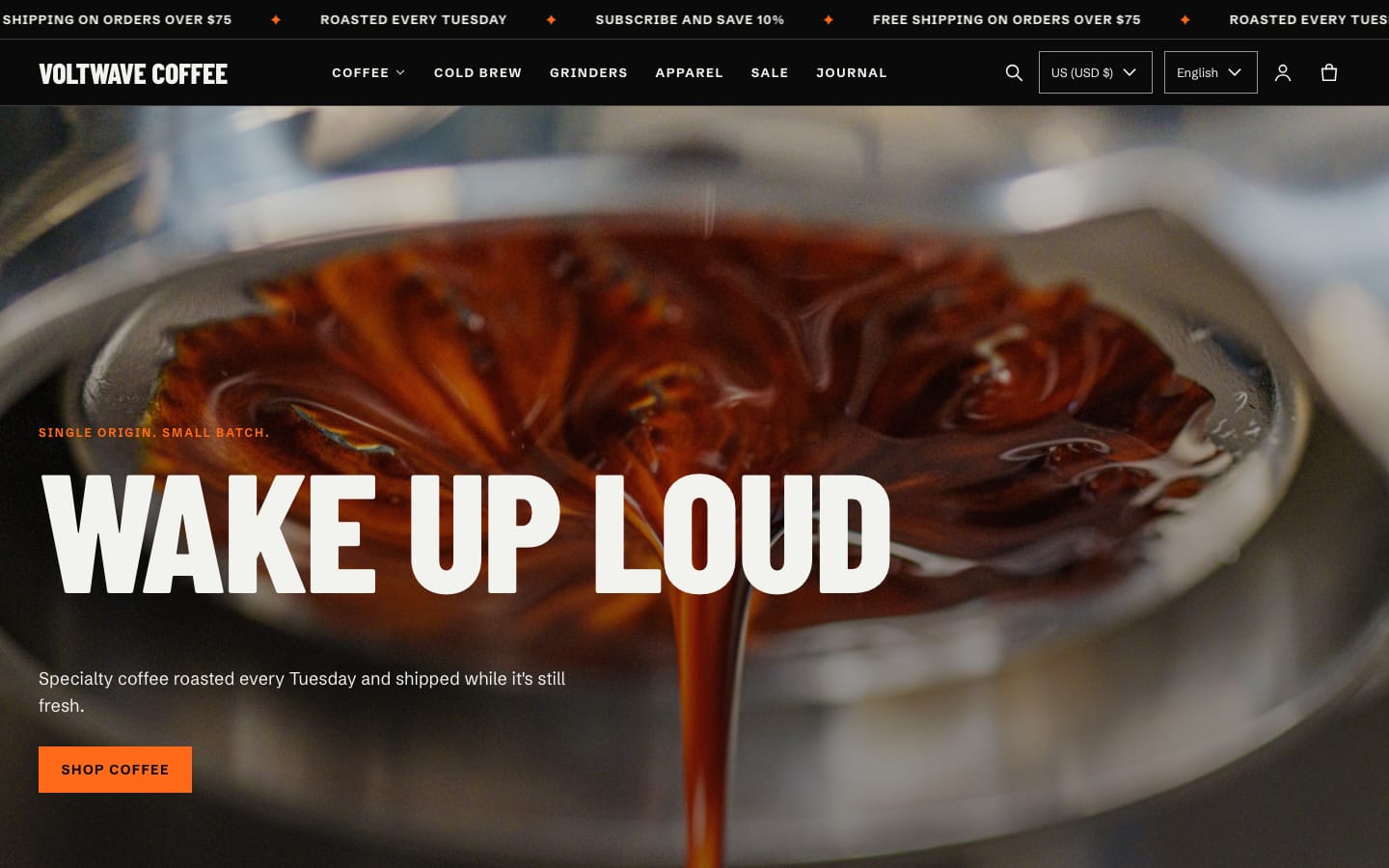
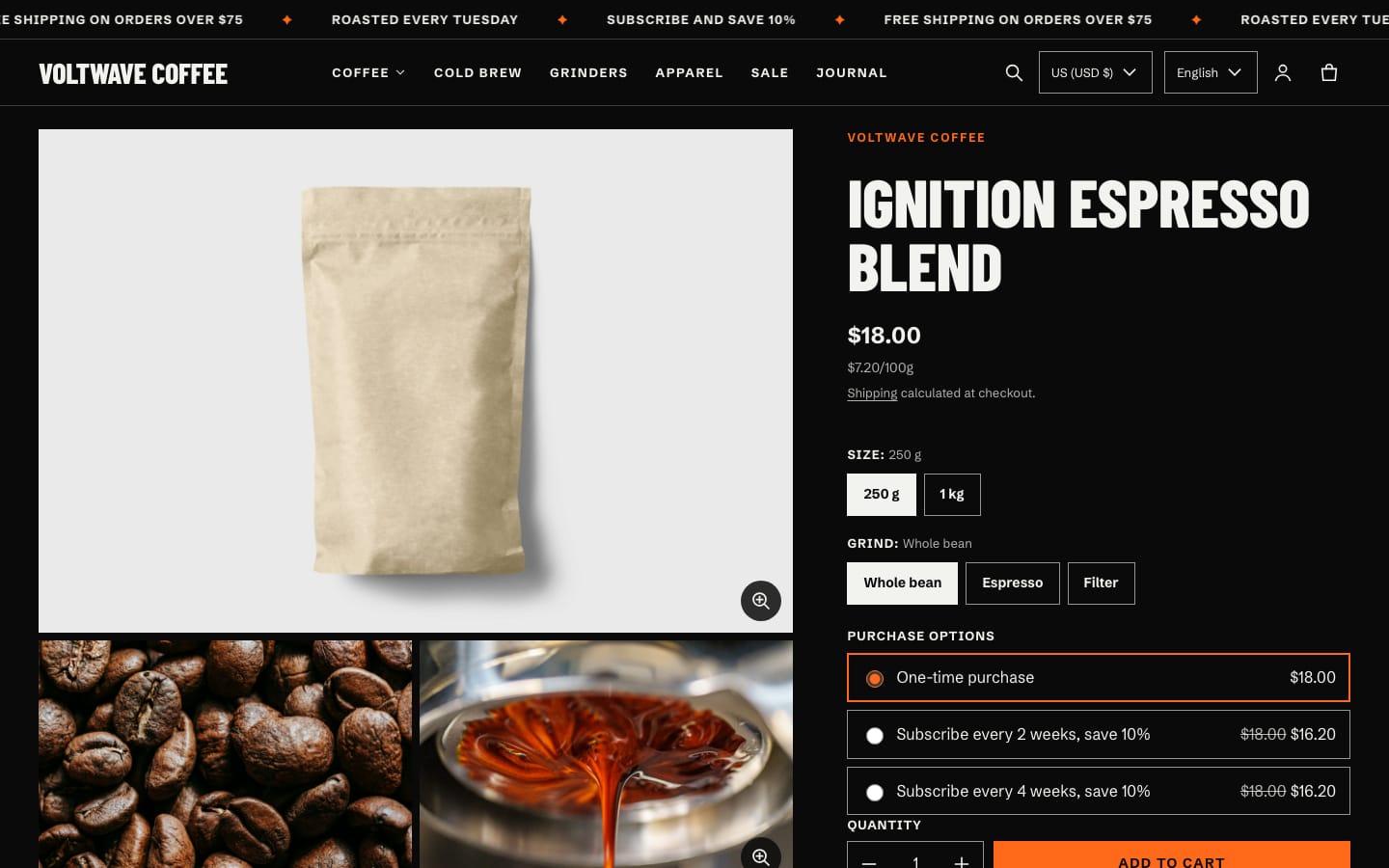
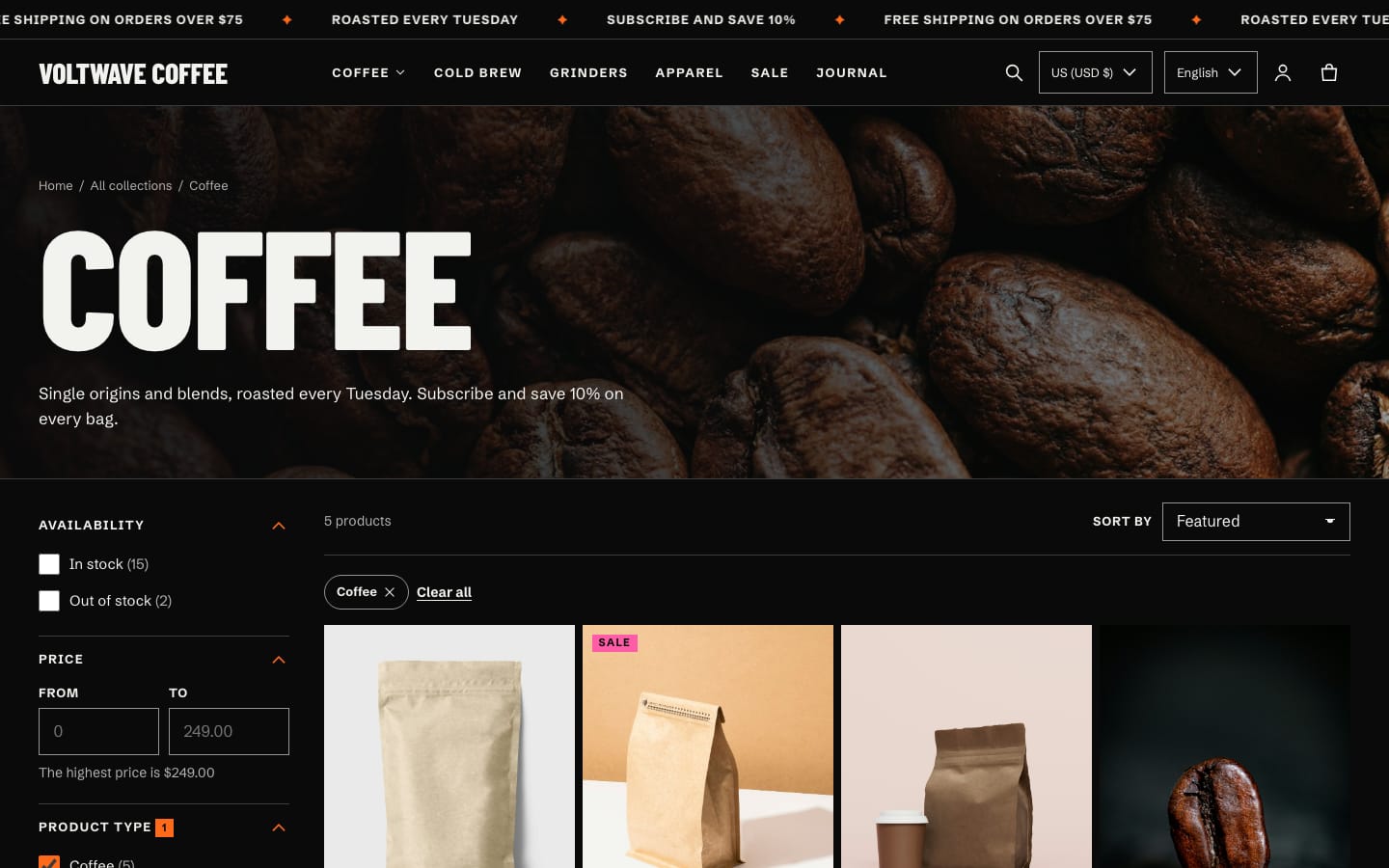
Blacklight is a dark, high-contrast theme for bold lifestyle brands. Every colour scheme it ships with meets WCAG AA contrast.
It adds tools that stores selling age-restricted or regulated products usually need: age confirmation, a notice bar, product and shipping-restriction notices, spec tables, a cart terms checkbox, and B2B quick ordering. They're all off until you turn them on.
At a glance
- Age confirmation
- Minimum age, a decline link and a remember period. Search engines can still index the store.
- Notices
- A notice bar, product notices and shipping-restriction notices, set per product or collection.
- Spec tables
- Product specifications from a metafield, as a clean table.
- Terms checkbox
- Checkout waits until shoppers accept your terms, and the order records it.
- B2B ordering
- Volume pricing and a quick order list that respects quantity rules.
How it works
- Add Blacklight from the Shopify Theme Store and open the Theme Editor.
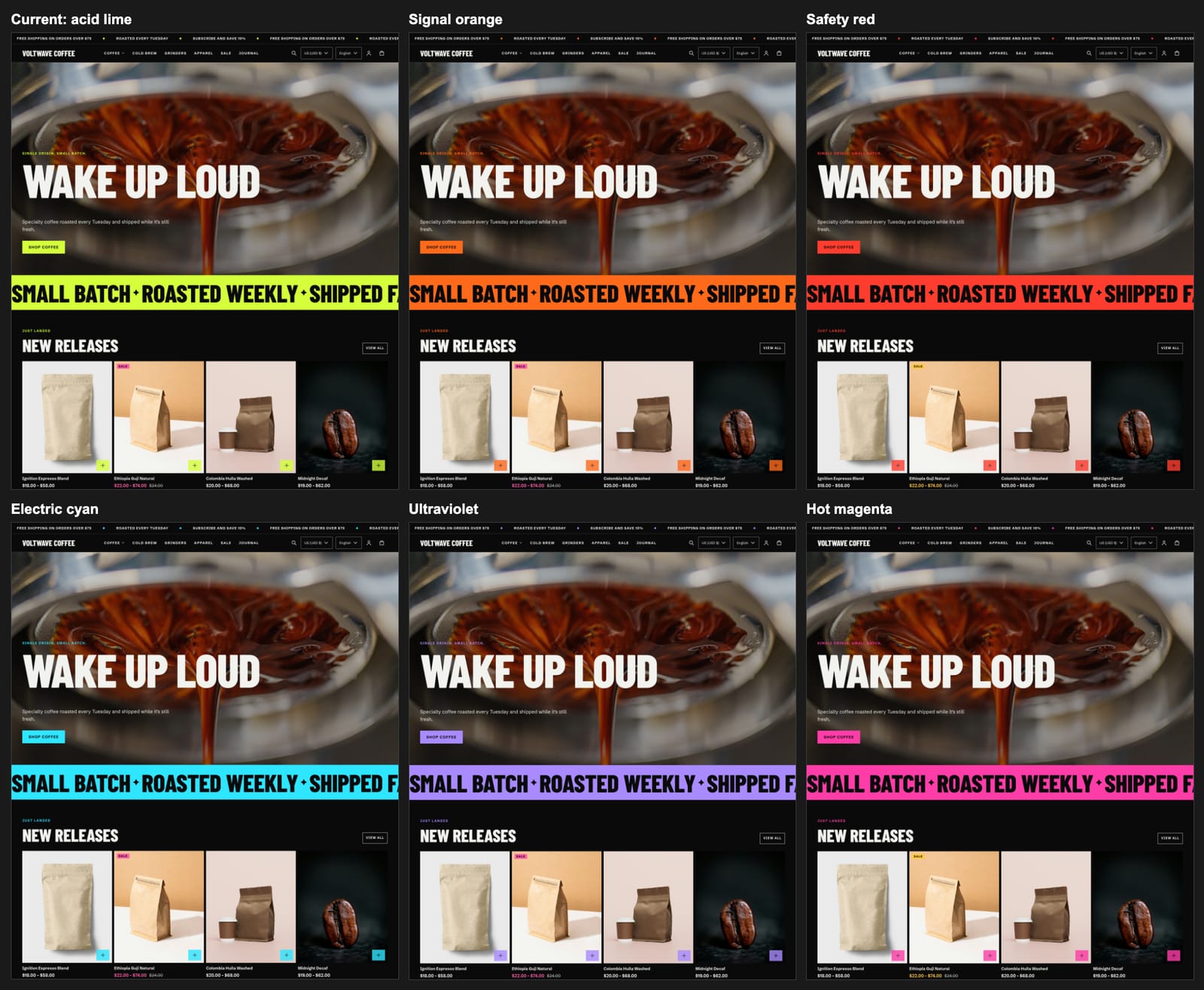
- Set your logo, fonts and colours. Every built-in colour scheme meets WCAG AA.
- Build the home page and choose a dropdown or mega menu.
- Turn on the tools you need: age confirmation, notice bar, terms checkbox and others.
- Fill in product notices, shipping restrictions and specs on your products.
Features in detail
Compliance tools
- Age confirmation
- Set a minimum age, a decline link and how many days to remember the answer. It can't be dismissed by clicking outside, and crawlers still see your content.
- Notice bar
- Separate from the announcement bar, and can stay pinned to the top.
- Product notices
- From the product, then the collection, then a fallback text, so one notice can cover a whole range.
- Shipping restrictions
- A notice on the product page and in the cart.
- Cart terms checkbox
- Checkout and express checkout wait until it's ticked, and the order is marked "Terms accepted: Yes".
B2B
- Volume pricing
- Price breaks from your Shopify B2B catalogs, shown to signed-in trade buyers.
- Quick order list
- Respects minimum, maximum and increment rules, and can be shown to B2B customers only.
Commerce
- Media
- Zoom, video, YouTube and Vimeo, and 3D models with AR.
- Selling
- Swatches, subscriptions, gift card recipients, pickup, complementary products and unit pricing.
- Shopping
- Filters, sorting, predictive search, and a drawer or page cart with discounts and notes.
Quality
- Accessible
- Checked against WCAG 2.1 AA with axe, with keyboard focus handled in every menu, drawer and dialog.
- Specs
- Specification tables from a JSON metafield or simple "Key: Value" lines.
Screens
Requirements
- B2B features need Shopify Plus.
- Subscriptions need a subscriptions app. Filters use Shopify's Search & Discovery app.
- The tools help you show notices and collect confirmations; they don't make a store compliant with any law and don't block orders.
Not included
- Storefront text in languages other than English.
- Legal advice: check what your products need where you sell.
Questions
Does age confirmation hide my store from Google?
No. Search engines aren't shown it, so your pages stay indexable.
Can customers get past age confirmation?
It deters casual access but can't verify anyone's identity.
Why isn't volume pricing showing?
It only shows to signed-in B2B customers who have price breaks in their catalog.
Are the tools on by default?
No. Every compliance tool is off or empty until you turn it on.
Where do I buy it?
On the Shopify Theme Store, once it's approved. You pay through Shopify and can try it in your store first.
Something else?
Email hello@utilwell.com.